Control what agents can do
Scylla Broker checks agent requests against your Security Policy. Each operation is allowed, sent for approval, or blocked.
AI development & automation workbench
Scylla Workbench brings your AI agents, project files, terminal, connections, and working context into one desktop workspace. Scylla Broker checks agent actions against your security policy, Keyring keeps reusable credentials out of agent context, and job monitoring lets you inspect the work as it happens.
Windows Native 0.9.0-beta and Windows Electron builds. Choose your build on the download page.
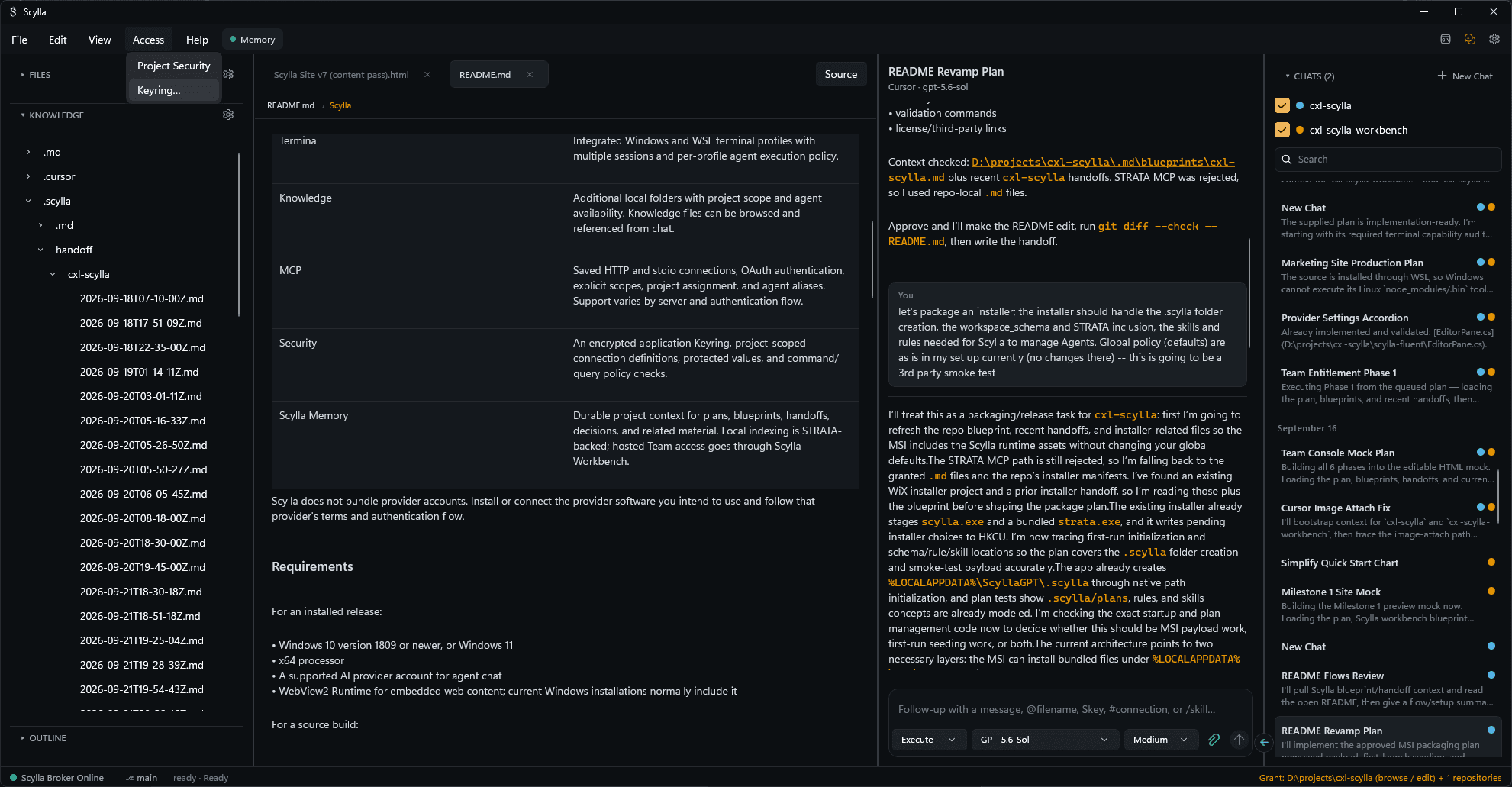
Clear boundaries
Scylla Broker checks agent requests against your Security Policy. Each operation is allowed, sent for approval, or blocked.
Scylla Keyring stores reusable values locally in encrypted form. Broker resolves protected references for authorized operations.
Scylla Memory preserves decisions, plans, handoffs, and findings beyond a single conversation or provider.
Inspect job output and track the payloads Scylla sends from your PC to AI providers.
Workflow
Discuss an approach in Ask, develop it in Plan, and carry it out in Execute. Scylla supports automatic mode switching and an agent question feedback loop, so work can pause for missing information and continue with your answer. Every operation remains subject to the applicable Security Policy.
See the full workflow →Execution
Use Broker-controlled terminal sessions for local development and advanced automation. Connect to remote systems through brokered SSH, use saved credentials through Keyring, and return filtered output to the agent. Git support keeps repository work in the same environment.
Explore execution controls →Providers
Connect supported AI providers through Scylla’s Agent Client Protocol integrations and use them with the same projects, context, and controls. Your provider account supplies model access; Scylla supplies the environment around the work.
Check provider compatibility →Tools & extensions
Manage supported third-party tools, organize conversations by project and category, and extend Scylla through its plugin SDK. SafeGuard helps reduce the risk of secrets entering repositories.
Explore tools and plugins →Windows builds
Built with WinUI 3 and tested for running under a separate Windows account. Use Windows permissions to give the workbench access appropriate to the task.
Choose the Electron build for your Windows workflow. Check its release notes for current capabilities, requirements, and provider support.
Bring together the tools, context, credentials, and visibility your work needs. Start locally or add shared Memory and managed policy for your team.